The Invisible Argument Happening in Your House Right Now
Nobody schedules a meeting about it, but it happens anyway. One roommate starts a video call, another kicks off a big download, and suddenly the person just trying to check email is staring at a spinning wheel. Wi-Fi conflict is one of those quiet household tensions that never gets talked about directly, but it shows up in passive-aggressive comments about “whoever is hogging the internet again.”
The good news is that fairness on a shared network isn’t something you have to negotiate verbally every week. It’s something you can build into the router itself, so the system handles the fairness instead of you having to referee it.
Why One Router Feels So Unfair
By default, most routers treat traffic on a first-come, first-served basis without much regard for who’s doing what. That means a single device running a large backup or streaming in 4K can quietly eat up most of the available bandwidth, leaving everyone else with the scraps. The router isn’t being malicious — it’s just not smart enough on its own to know that five people are relying on it equally.
This is where a little bit of configuration goes a long way. Most home routers sold in the last several years include tools specifically designed to prevent this kind of lopsided usage, even if nobody in the house has ever opened the settings page to look.
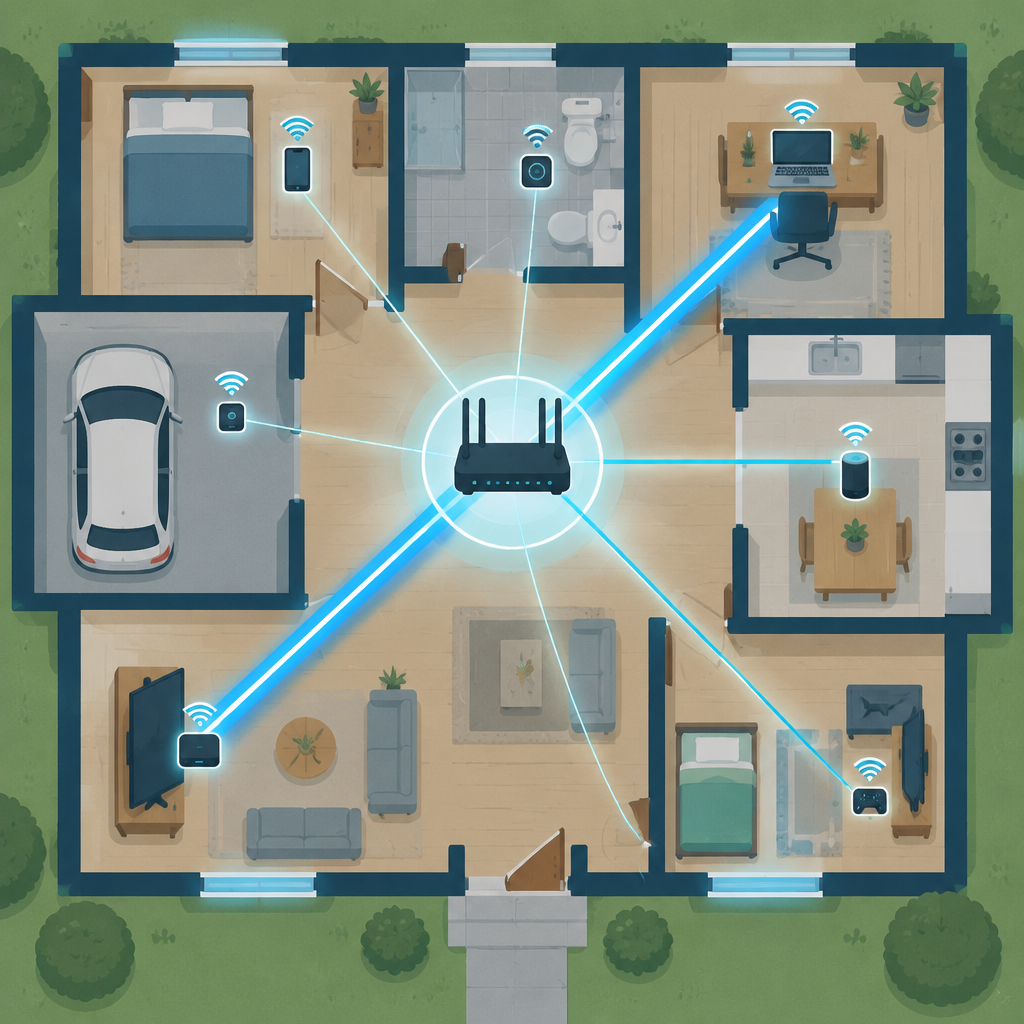
Step One: Turn On Quality of Service (QoS)
Quality of Service, usually shortened to QoS, is a setting that lets your router prioritize certain types of traffic over others. Instead of treating every byte the same, it can recognize that a video call needs steady, low-delay data more urgently than a large file download does.
- Find it in your router’s settings — it’s usually under an “Advanced” or “Traffic Management” tab.
- Enable automatic QoS if your router offers it, since it will adjust priorities on its own based on traffic type.
- Set manual priorities only if your router doesn’t have an automatic mode, giving higher priority to calls and gaming and lower priority to downloads and updates.
This single step solves a surprising number of “why does the internet feel slow” complaints without anyone having to change their habits.
Step Two: Give Each Person (or Device) Fair Bandwidth Caps
Some routers, especially ones marketed for larger households or mesh systems, let you set bandwidth limits per device. This isn’t about punishing anyone — it’s about making sure one device can’t quietly consume everything available while others are starved.
- Identify your heaviest devices through the router’s connected devices list, which usually shows real-time usage.
- Set a reasonable ceiling for devices that tend to run large downloads or backups in the background.
- Leave everyday devices unrestricted so normal browsing and calls aren’t affected.
The goal isn’t to micromanage every megabyte. It’s to stop any single device from becoming an accidental bottleneck for everyone else.
Step Three: Separate Networks for Different Purposes
In a shared house, it often helps to split traffic across more than one network name, even if they’re both coming from the same router. A dedicated network for smart home devices, streaming boxes, or guests keeps that traffic from competing directly with the network everyone uses for work calls and daily browsing.
This is especially useful in houses where one or two people work from home and need a stable connection during business hours. Keeping smart plugs, cameras, and other background devices on a separate network reduces the number of things competing for priority on the main one.

Step Four: Schedule the Big Stuff
Large downloads, software updates, and cloud backups don’t need to happen at eight in the evening when everyone’s trying to stream or video chat. Most operating systems let you schedule updates and large transfers for late at night or early morning, when the network is otherwise idle.
- Set automatic updates to run overnight instead of whenever the device feels like it.
- Pause cloud backups during peak hours if your software allows scheduling.
- Agree as a household on rough peak hours, like evenings, when heavy usage should be avoided if possible.
Step Five: Make the Router Visible, Not Mysterious
A lot of shared-household Wi-Fi tension comes from the fact that the router feels like a black box only one person understands. Taking ten minutes to walk your roommates through the connected devices list, or posting the guest network password somewhere visible, removes a lot of the mystery and resentment around who’s using what.
When people can see for themselves that the network is being managed fairly, the complaints tend to disappear on their own.
A Fairer Network Means a Calmer House
None of these steps require buying new equipment or becoming a networking expert. They just require a willingness to open the settings page once and set up a system that treats everyone’s traffic fairly, instead of leaving it to chance. A well-configured router doesn’t just move data faster — it quietly removes one more thing for roommates to argue about.