The Evening Slowdown Is Real
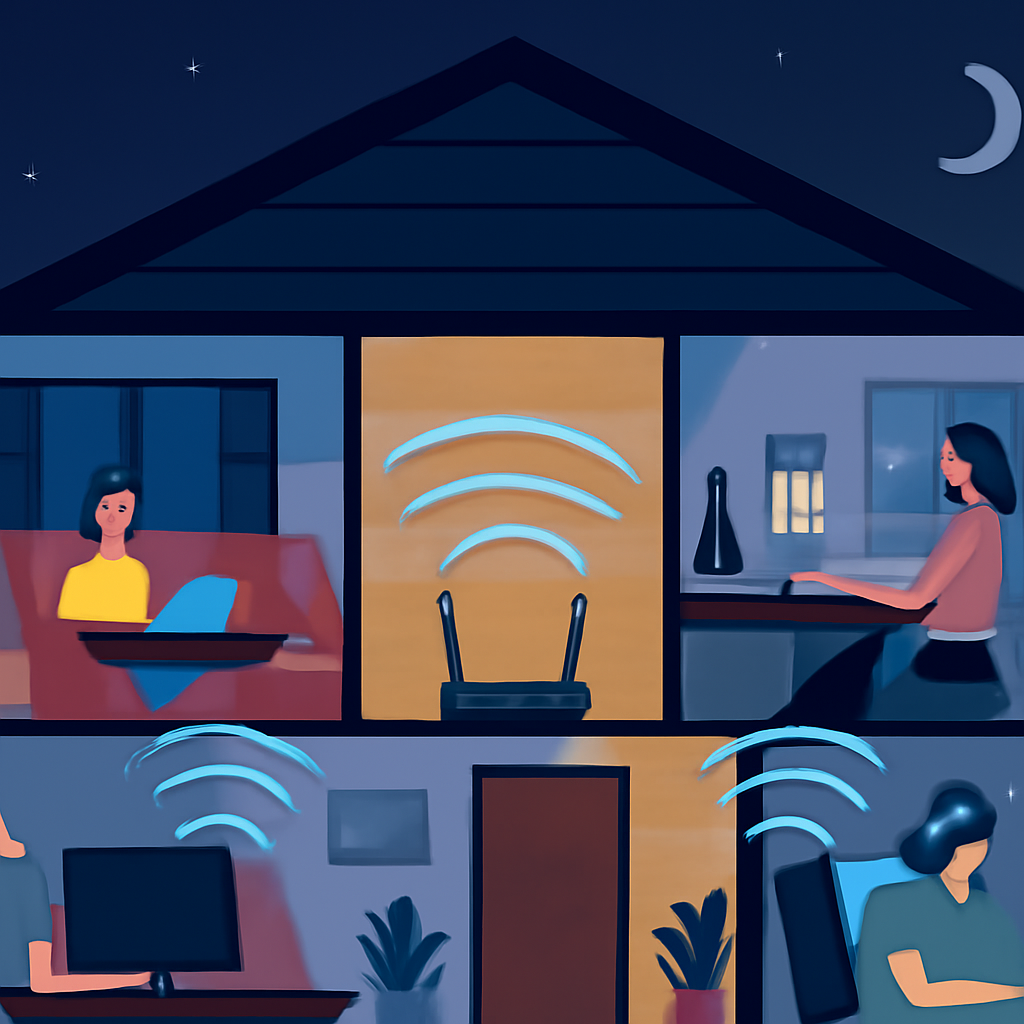
If you’ve ever noticed your WiFi feels snappy during the day and sluggish by 7 p.m., you’re not imagining things. There’s a predictable reason your connection seems to slow to a crawl right when everyone in the house is finally home, streaming, gaming, or video-calling at the same time. I get asked about this constantly, so let’s walk through what’s actually happening and what you can do about it without buying a single new gadget.
Your Router Is Sharing One Pipe, Not Several
Here’s the part that trips people up: your internet connection isn’t a bundle of separate lanes handed out to each device. It’s one shared pipe coming into your home, and your router’s job is to divide that pipe’s capacity among everyone asking for it at once. When one person is browsing and another is streaming a show, the router is constantly switching attention between the two, slicing tiny fractions of a second between requests.
Add in four, six, or ten devices all asking for data simultaneously, and that slicing gets a lot more crowded. Nothing is actually broken — your router and your internet plan are just doing exactly what they’re built to do, splitting a finite resource among a growing number of requests.
Why It Feels Worse at Night
Two things collide in the evening. First, your own household usage peaks: people are home, devices wake up, and streaming, gaming, and video calls all happen in the same few hours. Second, your neighbors are doing the same thing on their own networks, which can add congestion to the shared radio airwaves your WiFi uses, especially if you live in an apartment building or a densely packed neighborhood.
What’s Actually Competing for Bandwidth
Not all internet activity is created equal. Some tasks are naturally greedy, and understanding which ones matters more than you’d think.
- Streaming video: Especially in high definition, video needs a steady, significant chunk of bandwidth for the entire time it’s playing.
- Video calls: These need bandwidth flowing in both directions at once, which is more demanding than simply downloading a file.
- Large downloads and updates: A game or system update downloading in the background can quietly eat up most of your available bandwidth without any visible warning.
- Smart home devices: Individually small, but a houseful of cameras, speakers, and sensors checking in constantly adds up.
- Background app syncing: Photos backing up, cloud drives syncing, software quietly updating itself while you’re not even looking at the screen.
When several of these line up at once, that’s when you feel the pinch, even if your internet plan is perfectly adequate for normal use.
Simple Ways to Ease the Crowding
You don’t need to overhaul your entire setup to get real improvement. A few adjustments go a long way.
Spread Devices Across Both Bands
Most routers broadcast on two frequency bands. One is better for range, the other is better for speed over shorter distances. If your router lets you see and choose which band a device connects to, put bandwidth-heavy devices like streaming boxes and laptops on the faster band, and leave less demanding devices like smart plugs or printers on the other one. This spreads the load instead of cramming everything onto a single frequency.
Schedule the Heavy Lifting
Large downloads, software updates, and cloud backups don’t need to happen during peak hours. Many devices and apps let you schedule updates for overnight or early morning, when nobody’s competing for bandwidth. Moving even one or two of these tasks out of the evening rush can noticeably free things up for everyone else.
Check Where Your Router Actually Sits
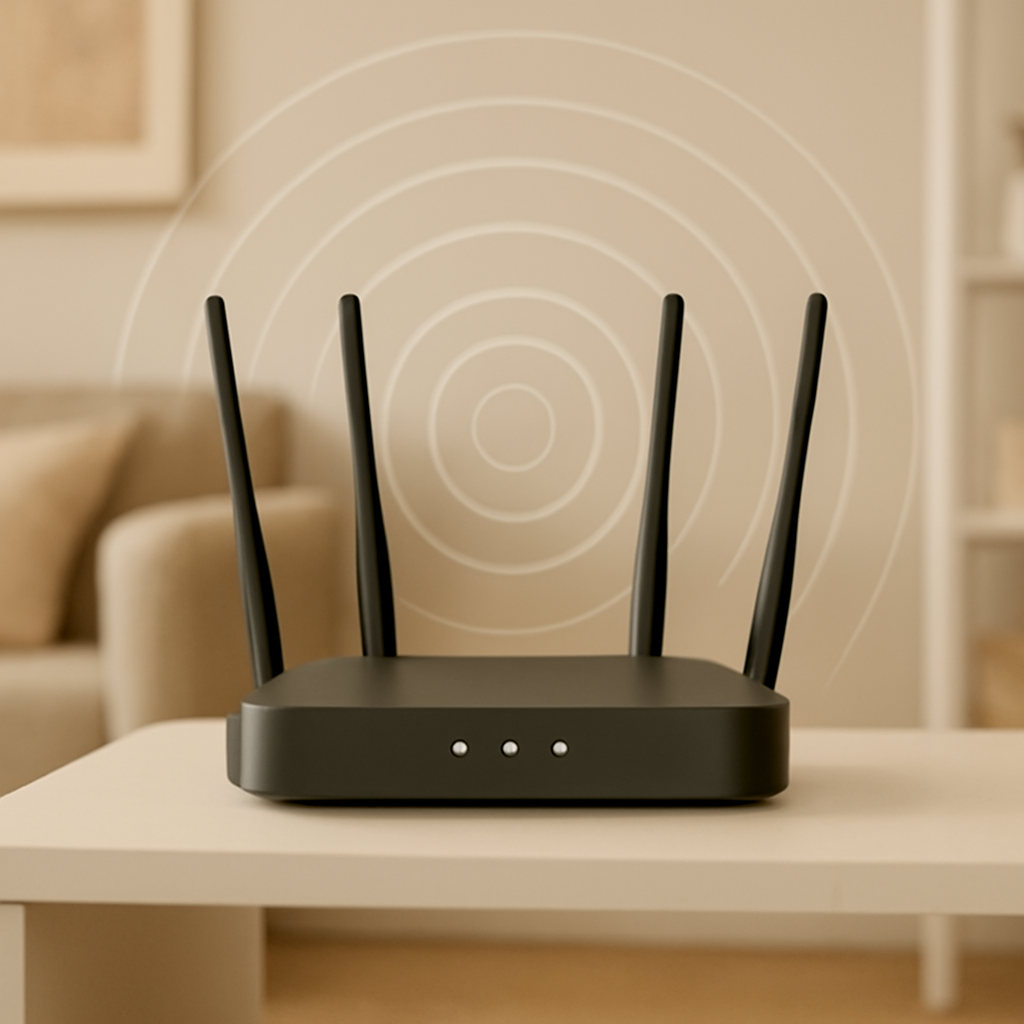
A router tucked behind the television, inside a closet, or on the floor in a corner is fighting an uphill battle before it even gets to the “too many devices” problem. Central, elevated placement, away from thick walls and large appliances, helps the signal reach every room more evenly, which matters even more when demand is high.
Give Guests Their Own Lane
If visitors or roommates regularly connect their own devices, a separate guest network keeps their traffic from tangling with your household’s priority devices, and it’s a smart security habit regardless of speed concerns.
When It’s Worth Looking at Your Plan
If you’ve tried the adjustments above and evenings still feel unusable, it may simply be that your household has outgrown your current internet plan. A plan that felt generous for two people streaming occasionally can feel tight once you add several more devices doing demanding tasks at the same time. There’s no shame in that — households change, and so does the amount of bandwidth they genuinely need.
The Bottom Line
Your WiFi slowing down in the evening isn’t a sign that something’s wrong with your setup. It’s the natural result of one shared connection trying to keep up with everyone’s habits lining up at once. A little awareness of what’s competing for bandwidth, combined with a few small adjustments, can make those peak hours feel a lot less frustrating.